Overview
- Different improvements
- Reminder: interactive modules for trade shows
- Bugfixes
Different Improvements
We have recently been working on many small improvements to the usability of presono. The following list summarises the most important changes.
Improvements for navigating through the presentation
From now on, you can use not only the left and right arrow keys to click through a linear presentation, but also the up and down arrow keys to move forward or backward.

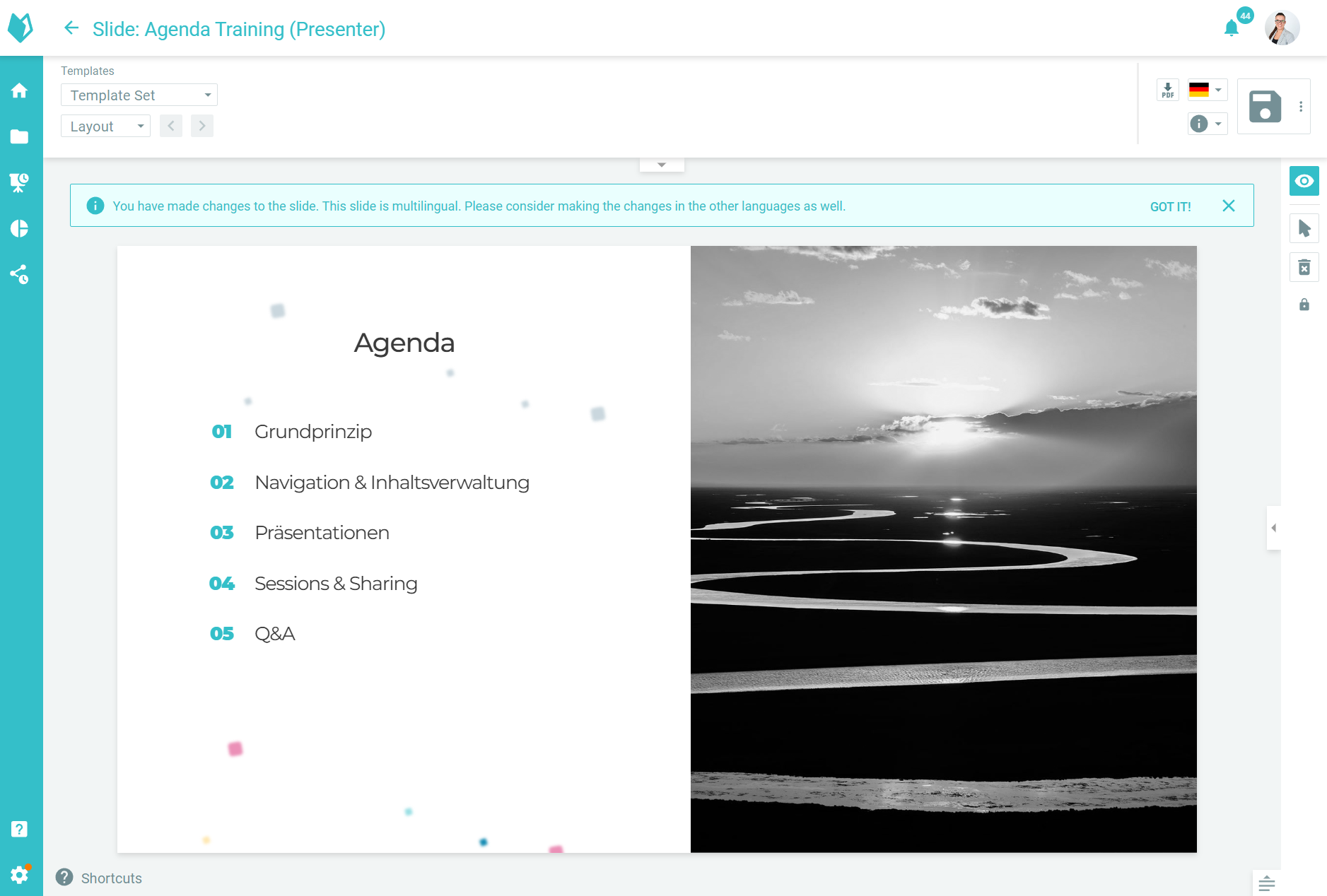
Improvement for translated slides
For translated slides, a notification will now appear when saving reminding you that these slides also have translated versions, ensuring that you don't forget to make the necessary changes here as well.
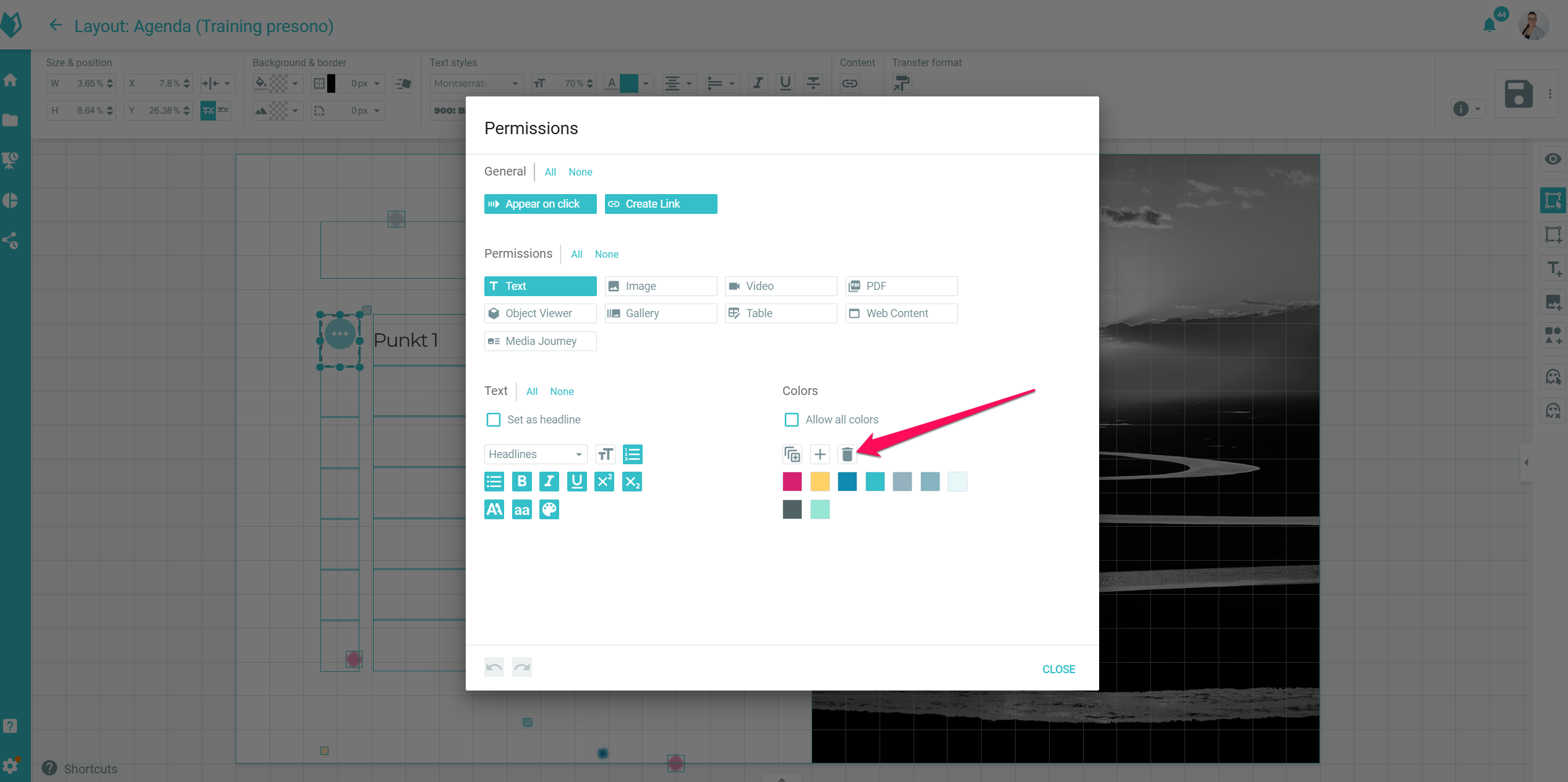
Improvements in templates
In the layout area settings, all permitted colours can now be deleted simultaneously, rather than just individual ones.
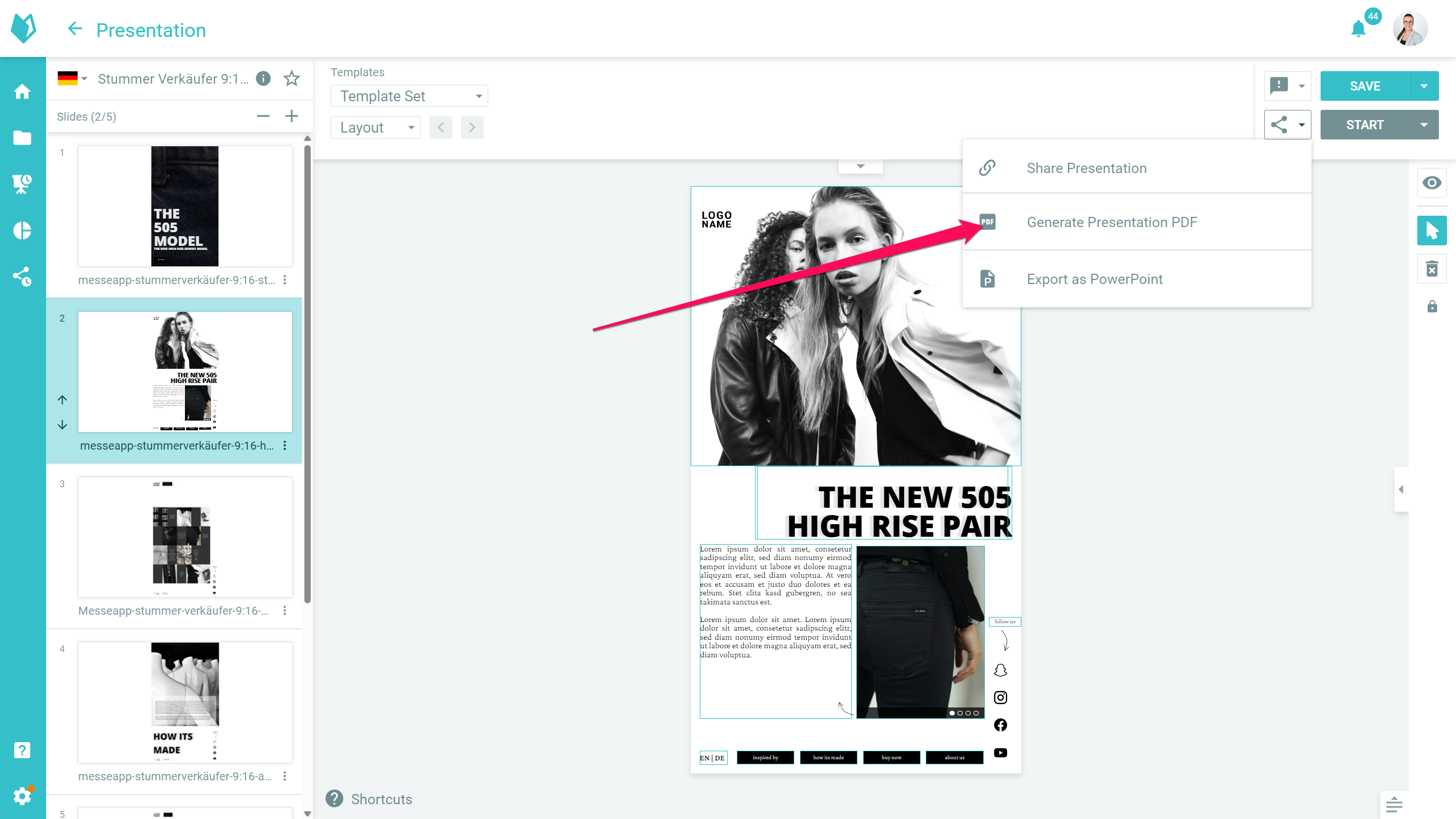
Improvements for exported PDFs
The exported PDF from slides with custom aspect ratios (e.g. portrait format) is now created in all possible aspect ratios.
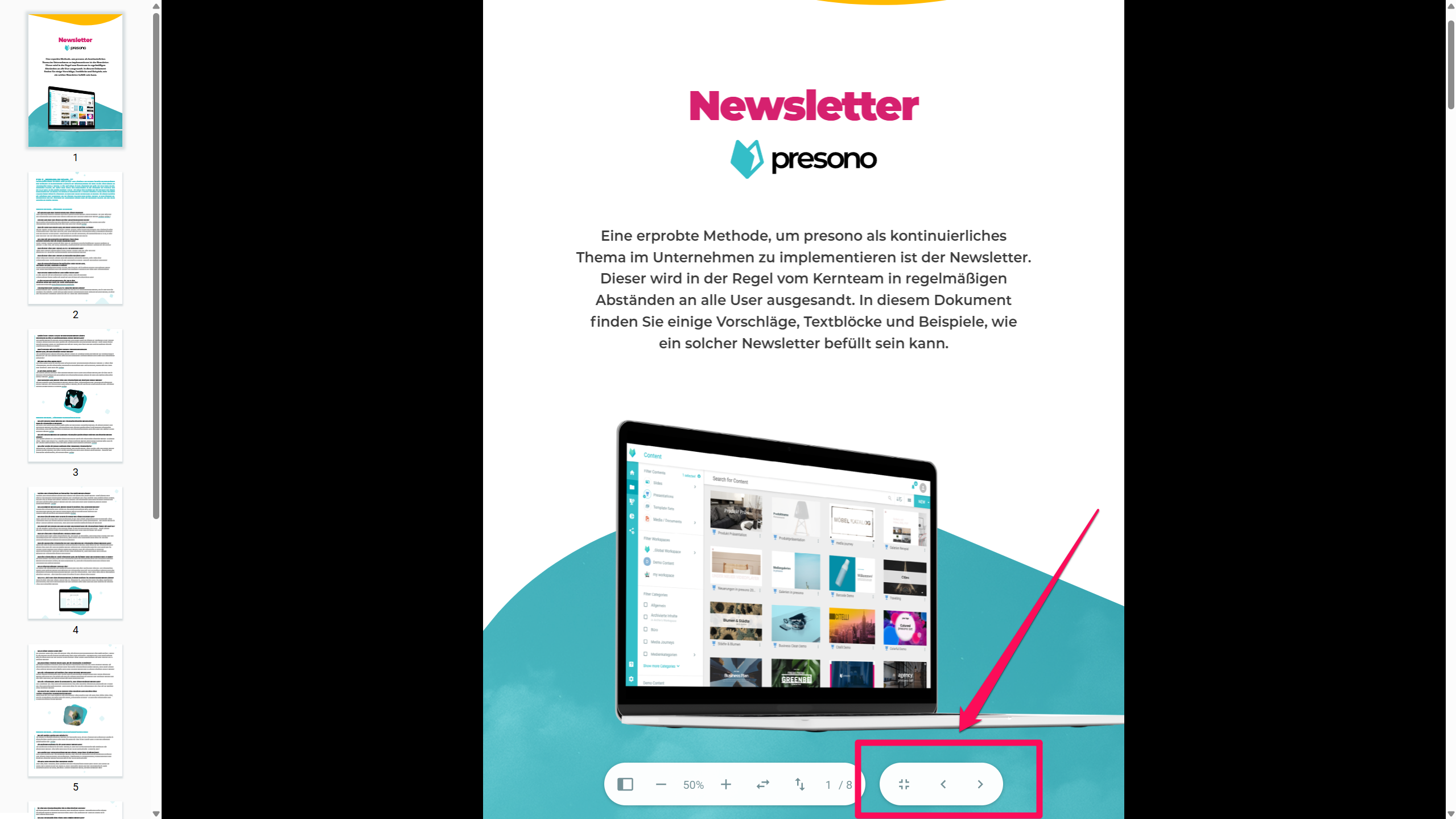
Improvements to full screen mode in galleries
When viewing PDFs in full screen mode in a gallery, navigation buttons are now available at the bottom to switch to the next item in the gallery. In addition, videos can now be controlled directly via their control elements even without full screen mode being activated. In addition, keyboard control in full screen has been expanded: you can navigate between elements using the arrow keys and exit full screen mode using Esc.
Reminder: interactive modules for trade shows
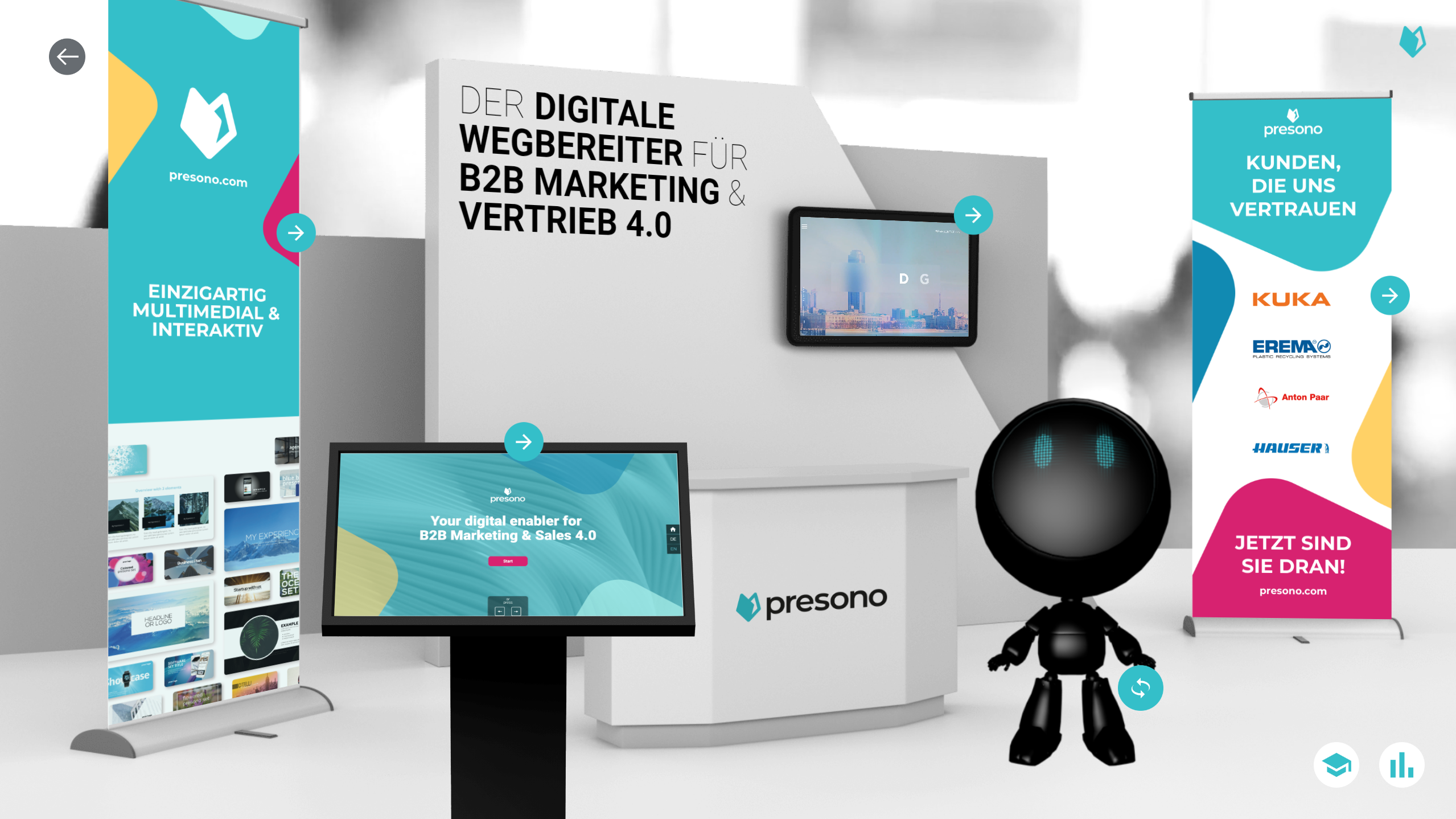
Did you know? presono offers many great interactive trade fair modules that will take your trade fair appearance to the next level! For example, you can use our Scan & Show module to interactively access content via an NFC scanner or use our Glide & Show module to play content on a sliding monitor. With Remote Control, you can control multiple screens as if with a remote control, and when combined with our Kiosk Mode for trade fairs and events, you get a comprehensive trade fair solution that works as a Plug & Play Solution. Well? Curious? Feel free to contact us and learn more about the possibilities for your next trade fair!
Various bug fixes and minor improvements
Over the past few weeks and months, we have been working hard on your feedback and have implemented numerous small improvements and optimisations. Many details have been adjusted to make presono even more user-friendly, stable and powerful!
- Newly added slides in a presentation are selected after insertion
- Warning when creating offline Share Links has been redesigned
- Prevents the creation of multiple duplicates in template sets
- Progress bar in Share Links is no longer visible
Apps
To use these new features in the desktop app, you will need to update it. You can find the latest versions here: