Overview
- Overhaul of our Kiosk Mode
- Send & Show Module - LED Controls
- Slide Automation
- Offline Synchronisation of large media files
- Reminder Trade Show Modules
Overhaul of our Kiosk Mode
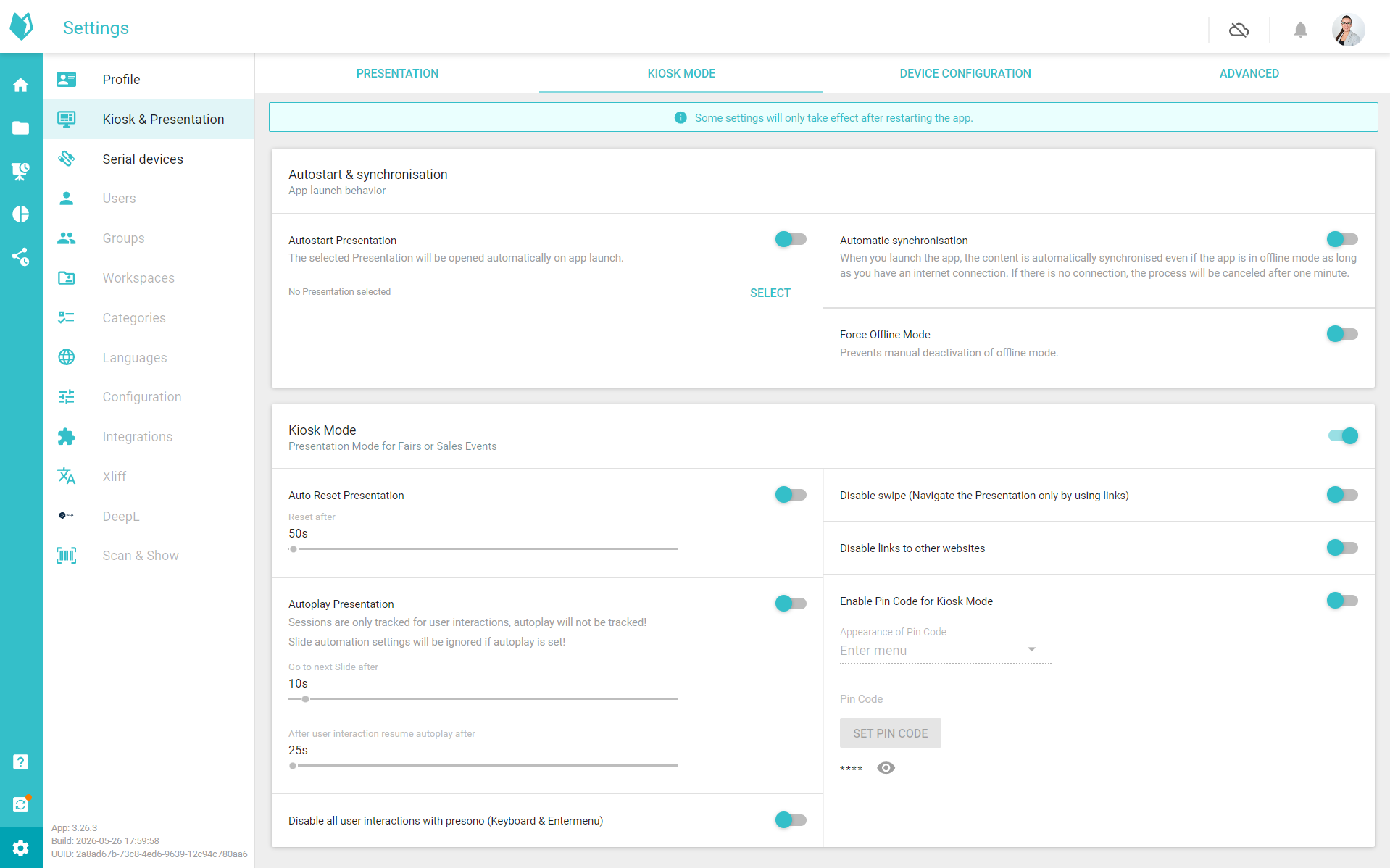
The completely revamped Kiosk Mode now makes it even easier than ever to use presono as a Plug and Play solution for trade fairs, events and showrooms: in just a few clicks, you can transform your presentation into an interactive application that runs automatically, resets itself and is ready for use at any time – all without any technical setup or prior knowledge. Numerous new features such as automatic updates when the app is launched or at defined times, as well as the automatic start of a specific presentation, ensure even greater convenience and reliability in use. Whether as a touch application or in an automated loop, your content is perfectly presented at all times, ensuring a consistently professional experience for your audience. As a lot has changed in this regard, we recommend you take a look at our knowledge base.
Send & Show Module - LED Controls
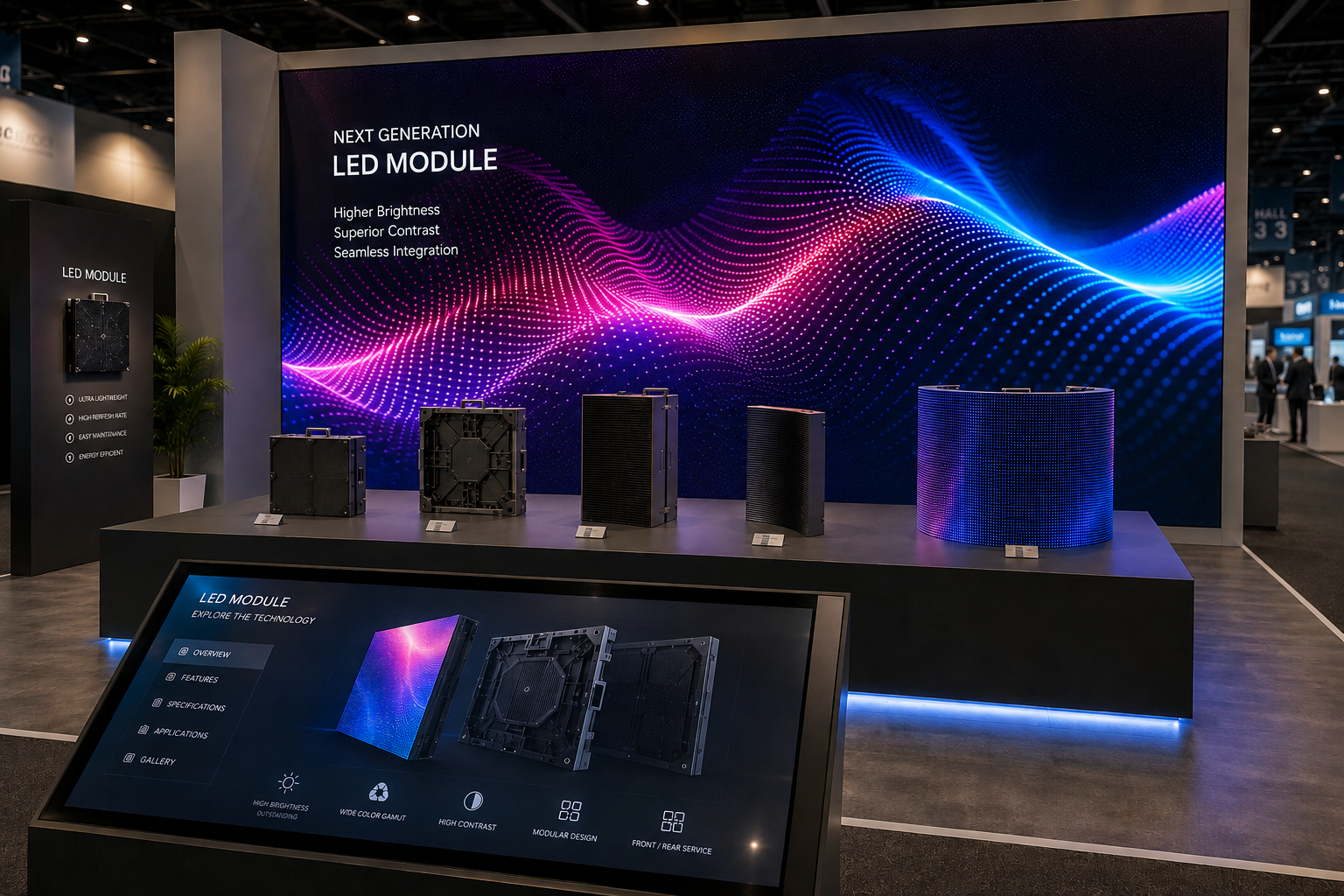
With the new Send-Show module for controlling LEDs directly from presono, you can take your presentations to a whole new level: link your content directly to the real-world environment and create impressive, synchronised experiences. Whether it’s eye-catching displays in the showroom or interactive trade fair presentations – by controlling LED elements directly from a presono presentation, your content comes to life and can be experienced on an emotional level. The simple integration ensures that you achieve maximum impact with minimal effort and leave a lasting impression on your audience. The module is, of course, capable of operating offline and can be combined as required with other presono modules, such as Scan & Show or Remote Control. If you are interested in this module, please feel free to contact your account manager.
Slide Automation
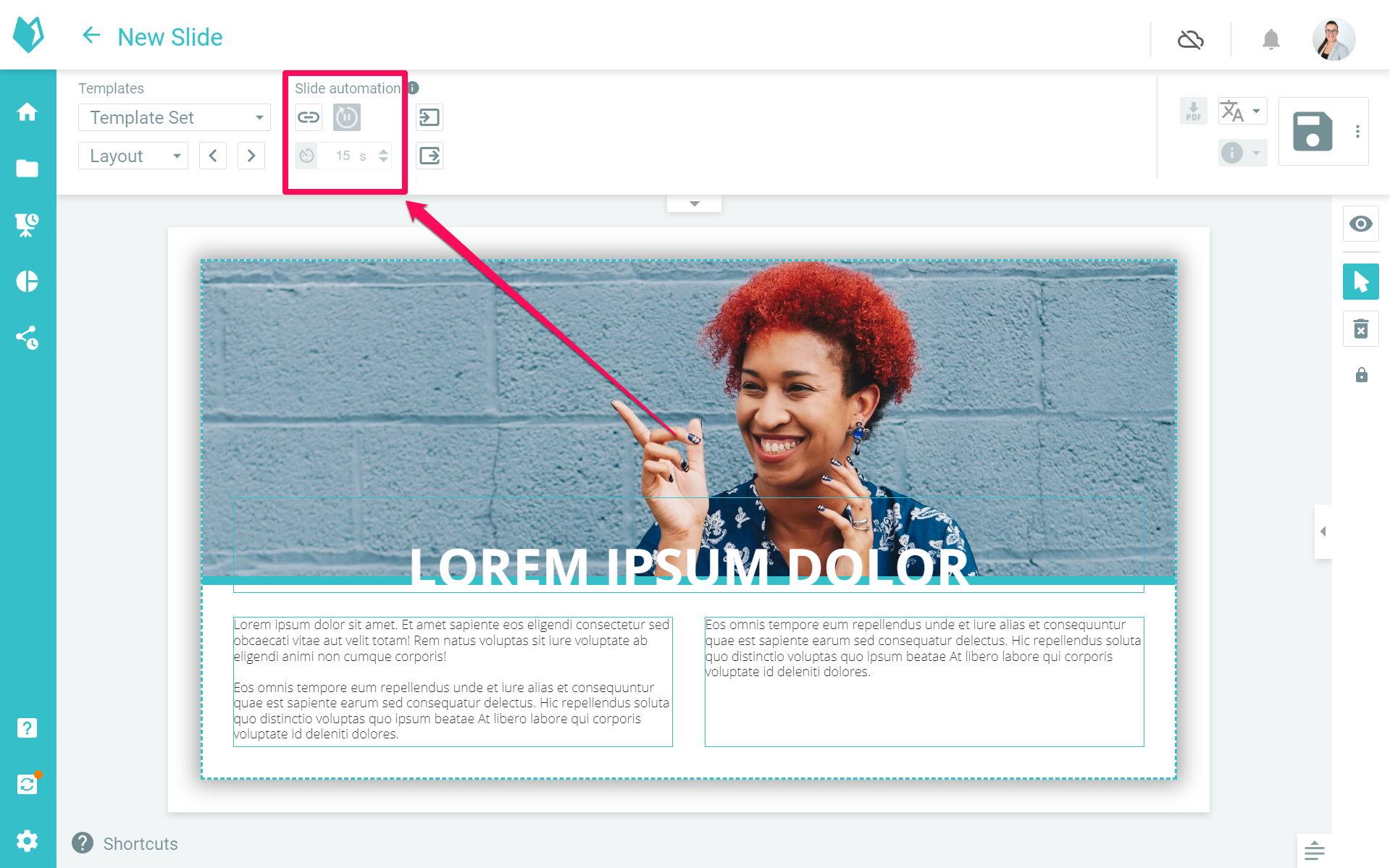
With the new slide automations, you can bring even more dynamism and efficiency to your presentations: content can now be played intelligently and automatically, allowing you to optimise workflows and ensure a consistent presentation experience. Whether at events or in the showroom – your content plays exactly when it’s needed, creating a seamless, professional presentation. At the same time, you retain full flexibility to use interactive elements in a targeted way and actively engage your audience. You can find all the details in our knowledge base.
Offline Synchronisation of large media files
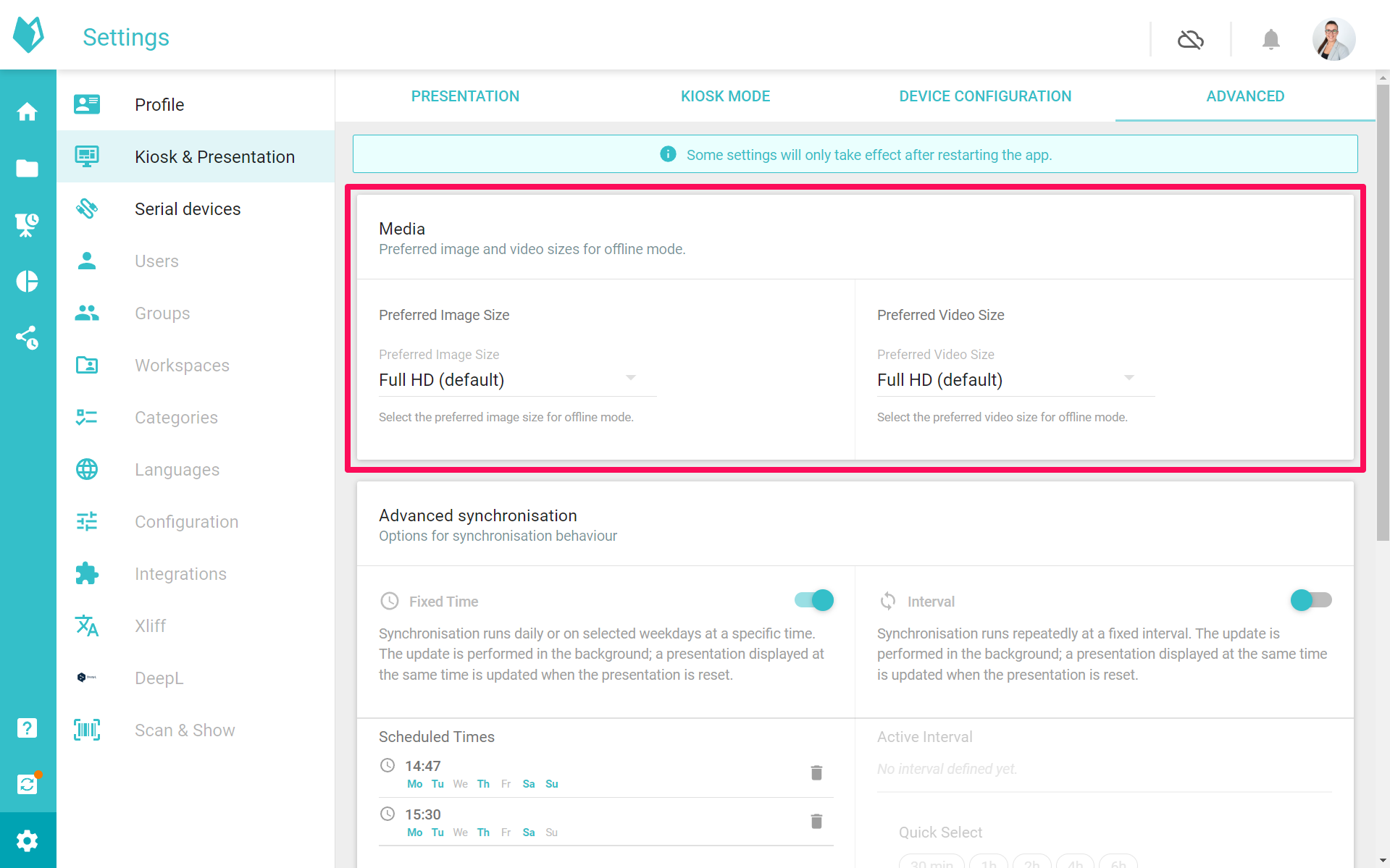
With the new media size setting, you can get the very best quality out of your presentations: specify exactly at what resolution images and videos are synchronised to your device and used offline – perfect for demanding setups such as large screens, LED walls or unusual formats. This ensures that your content is always displayed in the best possible quality, without any compromises.
Reminder: Trade Show Modules
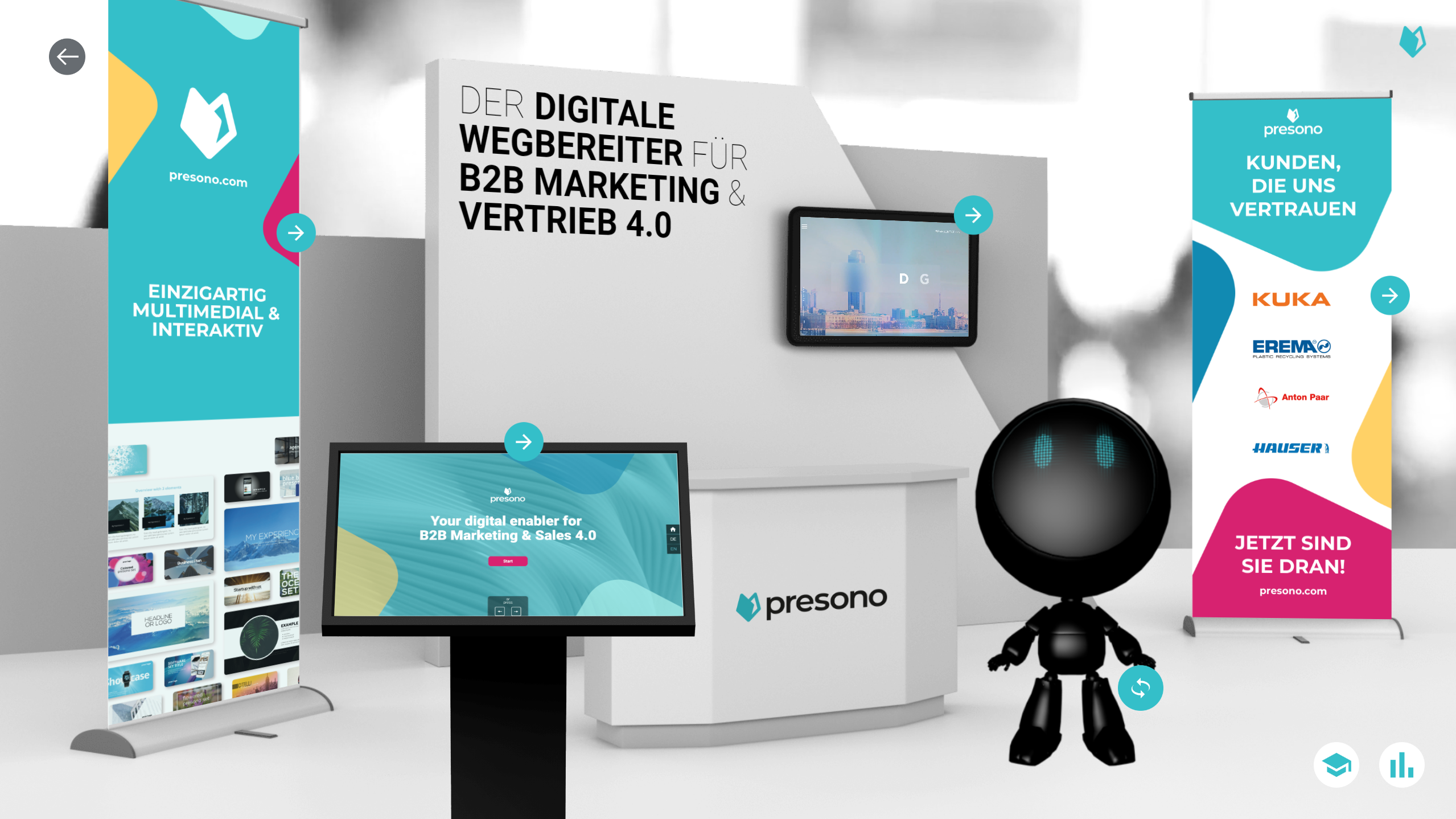
Did you know? presono offers a range of fantastic, interactive exhibition modules that will take your trade fair presence to the next level! For example, with our Scan & Show module, you can use an NFC scanner to access content interactively, or use our Glide & Show module to display content on a sliding screen. With Remote Control, you can control multiple screens as if using a remote control, and when combined with our Kiosk Mode for trade fairs and events, this creates a comprehensive trade fair solution that works as a Plug and Play solution. Well? Curious? Feel free to get in touch with us and find out more about the possibilities for your next trade fair!
Apps
To use these new features in the desktop app, you’ll need to update it. You can find the latest versions here: